Underline Text Generator — Copy & Paste
An underline text generator attaches a combining line character after every letter of your word, so the line travels with the text wherever you paste it — no font, no HTML markup, just plain Unicode. Type a word once below and copy the Underline, Double Underline or Overline result instantly.
Start typing above — every style updates instantly, right here in your browser.
S̶t̶y̶l̶i̶s̶h̶ T̶e̶x̶t̶
S̲t̲y̲l̲i̲s̲h̲ T̲e̲x̲t̲
S̳t̳y̳l̳i̳s̳h̳ T̳e̳x̳t̳
S̅t̅y̅l̅i̅s̅h̅ T̅e̅x̅t̅
Try one now
Six ready-to-paste underline examples — tap Copy and use as-is.
i̲m̲p̲o̲r̲t̲a̲n̲t̲
f̳i̳n̳a̳l̳ a̳n̳s̳w̳e̳r̳
r̅e̅a̅d̅ c̅a̅r̅e̅f̅u̅l̅l̅y̅
𝐝̲𝐨̲ 𝐧̲𝐨̲𝐭̲ 𝐬̲𝐤̲𝐢̲𝐩̲
𝓌̲𝒾̲𝓉̲𝒽̲ 𝓁̲ℴ̲𝓋̲ℯ̲
ɴ̲ᴇ̲ᴡ̲ ʀ̲ᴜ̲ʟ̲ᴇ̲
Single vs. double underline vs. overline
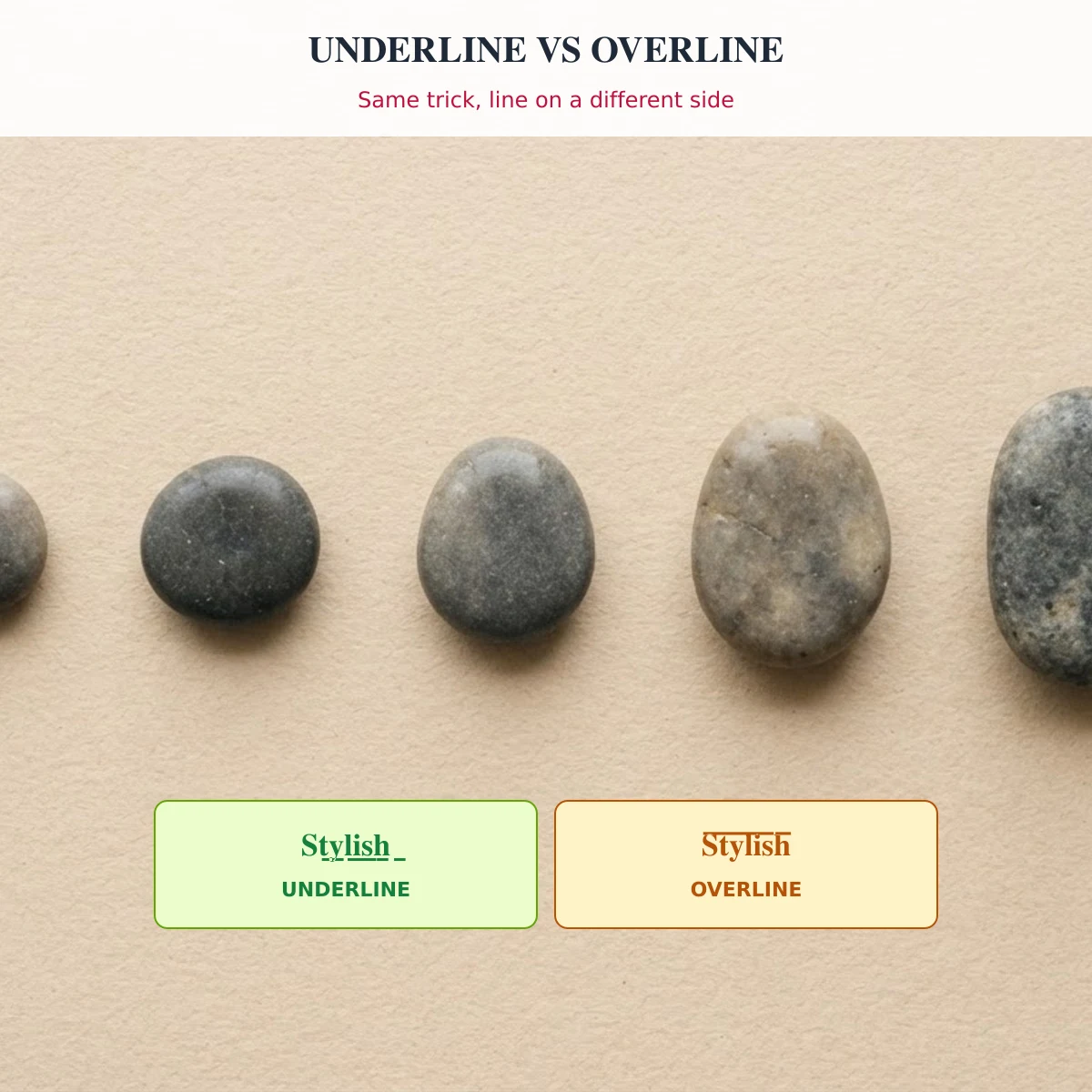
All three use the same trick: a Unicode combining mark is attached after each letter instead of the text being wrapped in a formatting tag. Underline (S̲t̲y̲l̲i̲s̲h̲) uses the combining low line (U+0332), the closest plain-text equivalent to HTML’s <u>. Double Underline (S̳t̳y̳l̳i̳s̳h̳) stacks a second combining low line (U+0333) for a heavier look often used for strong emphasis. Overline (S̅t̅y̅l̅i̅s̅h̅) uses the combining overline (U+0305) instead, running above the letters rather than below — useful when you want emphasis without it being confused for a hyperlink, since underlined text online is widely read as “this is a link.”
Spacing quirks to know about
Because each combining mark attaches to the character before it, the line is not perfectly continuous the way a real HTML underline is — it can look slightly broken between letters, especially in fonts with wide letter-spacing, and the gap often widens noticeably around a space character. Different apps also render combining marks with different vertical offsets, so the same underlined text can sit closer to or further from the letters depending on where you paste it. This is a known, consistent limitation of combining-mark text, not a bug in the conversion — there is no way to produce a perfectly even line in plain Unicode text the way a real underline tag can.
Underline on a styled alphabet
The combining mark can stack on top of any other style this generator produces, not just plain letters — for example Bold Underline (𝐒̲𝐭̲𝐲̲𝐥̲𝐢̲𝐬̲𝐡̲) or Cursive Underline (𝒮̲𝓉̲𝓎̲𝓁̲𝒾̲𝓈̲𝒽̲) combine a Mathematical Alphanumeric letter with the same combining low line used for plain Underline. These are listed separately in the Styled Strikethrough & Underline group on the homepage tool, since they use two Unicode transforms stacked together rather than one.
Where underline text displays
A style only shows correctly if the reader’s device has a font covering the characters it uses. We check this directly instead of guessing — full method on How We Test Display.
| Style | iOS | Android / Linux | Desktop browser | Last checked |
|---|---|---|---|---|
| Underline | Not checked | Full glyph set (Noto Sans) | Full glyph set (Chromium + system fonts) | 18 Oct 2026 |
| Double Underline | Not checked | Full glyph set (Noto Sans) | Full glyph set (Chromium + system fonts) | 18 Oct 2026 |
| Overline | Not checked | Full glyph set (Noto Sans) | Full glyph set (Chromium + system fonts) | 18 Oct 2026 |
| Bold Underline | Not checked | 50% of glyphs in Noto Sans — rest may show as boxes | Full glyph set (Chromium + system fonts) | 18 Oct 2026 |
| Cursive Underline | Not checked | 55% of glyphs in Noto Sans — rest may show as boxes | Full glyph set (Chromium + system fonts) | 18 Oct 2026 |
| Small Caps Underline | Not checked | Full glyph set (Noto Sans) | Full glyph set (Chromium + system fonts) | 18 Oct 2026 |
Desktop browser and Android/Linux columns are measured by checking whether common system fonts contain the Unicode characters each style uses — see how we test display. iOS has no equivalent font we can test here, so it stays "Not checked" rather than guessed.
Using underline text on Instagram, Discord and more
Underlined Unicode text pastes into any field that accepts free text. On Instagram that’s your display name and bio — the @username field only accepts plain letters, numbers, periods and underscores, so an underlined username is rejected at signup. Discord’s display name, server nickname and About Me field all accept it; the unique Discord @username does not. If you want an even stronger emphasis look, see the mirror text generator for a different kind of attention-grabbing style.
Accessibility and SEO
Underlined Unicode text is not read reliably by screen readers: because the combining mark is a separate character stacked on each letter rather than real formatting, some assistive technologies announce an odd pause or symbol name between letters instead of reading the word cleanly, and search engines generally don’t treat it as equivalent to plain text either. There’s also a readability risk specific to underline: on the web, underlined text is a strong visual convention for “this is a clickable link,” so using Underline-style Unicode text for emphasis in a caption can confuse readers into tapping it expecting a link. Keep it to names, bios and short captions you’re decorating for yourself — not to headings, instructions or body copy everyone needs to read. See the full Accessibility page for detail.
FAQ
What is an underline text generator?
A tool that attaches a Unicode combining line character after every letter, so the underline travels with the text as plain characters instead of HTML formatting — type above and copy the result.
How do I underline text to paste into Instagram or Discord?
Type your text into the box above and copy the Underline result — it pastes as plain Unicode text, so it works anywhere free text is accepted, including fields with no built-in formatting like a display name.
Why does my underline look uneven or broken between letters?
Each combining mark attaches separately to the letter before it rather than drawing one continuous line, so spacing can look slightly uneven — this is a known limitation of plain-text underlines, not a conversion error.
What’s the difference between underline and overline?
Underline draws the line below the letters using the combining low line (U+0332); Overline draws it above using the combining overline (U+0305) instead — useful when you want emphasis without it reading as a hyperlink.
Want to see every style family in one place? The full StylishText stylish text generator has all 60+ styles with the same real display testing.
Share your result or suggest a fix
Tested a style on a device or app we have not listed above? Tell us what you found (include the app, device and date) and we will review it before it is shown here.